Dxcufgb's Workshop

Scene Transitions

Cinematic transitions between scenes.

WIPWork in progress: may be very buggy and can change a lot between versions. Report bugs on GitHub.

Scene Transitions is a free, open-source Foundry VTT v13 module, still a work in progress.

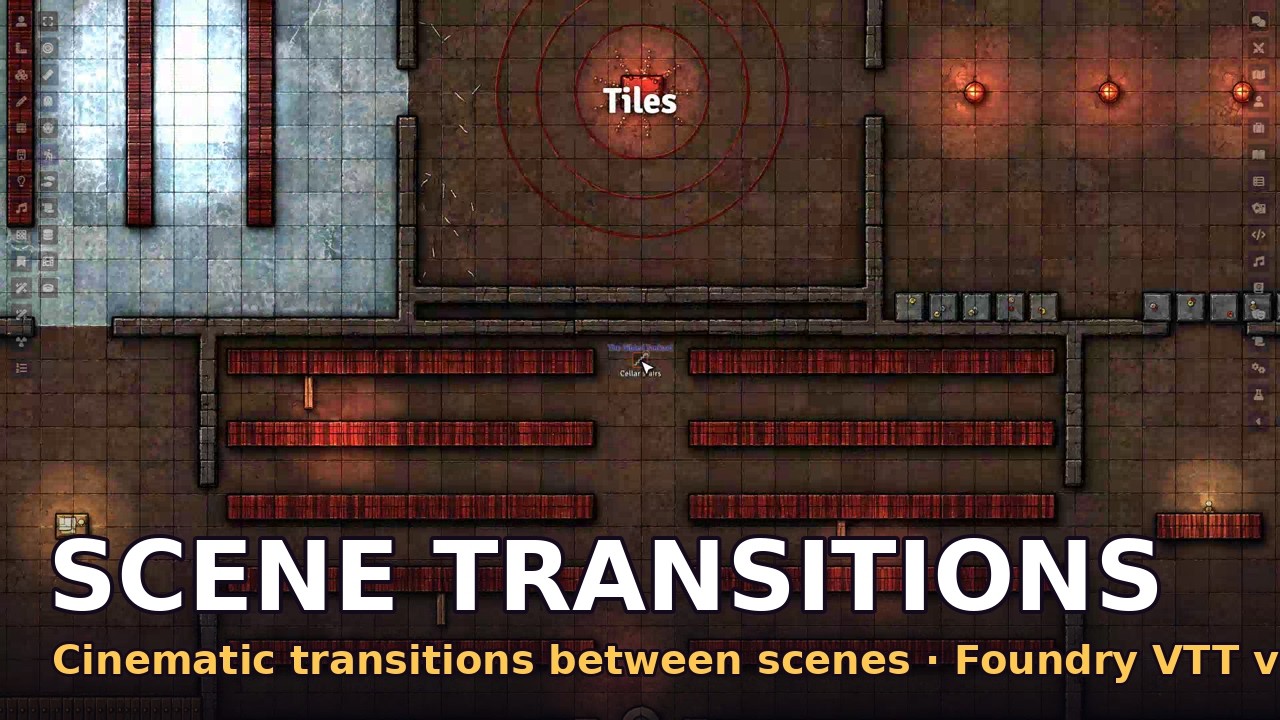
Cinematic transitions between scenes. When the view changes to another scene, the old one fades, wipes, irises or dissolves into the new one, with an optional title card and sound, and the loading is hidden behind it. The GM binds transitions to scenes, to pairs of scenes and to every stairway of the Stairways module, and picks one when activating a scene.

Foundry VTT: v13 · System: any

Features

  • Transitions: Each binding also has a duration, an optional title card (the scene's name, or your own text) and an optional sound.
  • Which Transition Plays
  • The Transitions Manager: Right-click a scene in the Scenes directory or the scene navigation and choose Transitions…, or open Module Settings → Transitions.
  • Activating a Scene: Activating a scene, from the Scenes directory or the navigation bar, opens a small dialog with the bound transition already picked, a preview, and Always use this from A to B to save the choice as a binding.
  • Stairways: With Stairways enabled, each end of a stairway can have its own transition: stairs down one way, stairs up the other.
  • Who Sees What
  • Compatibility

Documentation

The full Scene Transitions guide: overview, Installation, Settings, API for module authors, Debug Recorder integration.

Changelog

  1. 0.1.3
    • Optional support for Dxcufgb's Debug Recorder: while it records, this module adds what helps with bug reports (how many bindings of each kind there are, whether Stairways was found, the transition playing or waiting, run counts and the fallbacks taken, such as an empty snapshot or a timeout) and a trail of its main steps. No scene, stairway or user names, title texts or sound paths are recorded. Without the recorder nothing changes.
  2. 0.1.2
    • Fix: a transition could leave the screen covered (reported as a white screen). The overlay now always goes away: it is removed if the game canvas loses its WebGL context, if starting the transition fails, and in any case once the transition has run longer than it possibly could.
    • The overlay draws at most at 4K resolution, so HiDPI and very large screens don't run the graphics card out of memory. Its pictures are freed as soon as a transition ends.
    • A snapshot of the scene that comes out empty is logged in the console and replaced with black. Clearing the canvas (no scene to go to) no longer starts a transition, and stops one that is playing.
  3. 0.1.1
    • New transition Magic portal: a glowing portal opens in the scene, with a whirlpool of violet and blue light inside it and drifting magic smoke, flickering lightning, rune circles and sparkles around the ring (textures from Kenney's Particle Pack, CC0). The portal opens, you move into it, and the new scene opens out of its centre as the ring and its sparks rush past you. The vortex keeps swirling while the new scene loads.
    • Ten new cinematic transitions:
      • Burn away: the old scene burns up from the bottom, with a ragged glowing edge, flames, scorch marks and rising embers.
      • Smoke: smoke billows up until it fills the view, keeps drifting while the new scene loads, then clears from the middle outward.
      • Shatter: the old scene cracks like glass and breaks apart, the shards tumbling away.
      • Lightning strike: a storm darkens the scene, lightning strikes, and a final strike floods the view with white that fades onto the new scene.
      • Ink wash: blots of the new scene bleed in like ink on wet paper until they meet.
      • Frost: frost creeps in from the edges, cracks race out from the middle, and the ice falls away.
      • Page turn: the old scene turns like a book page from the bottom-right corner.
      • Old film: the picture becomes an old film reel until the frame jams and burns through; the new reel starts overexposed.
      • Sandstorm: a sandstorm blows in until the view is lost in sand, keeps raging while the new scene loads, then dies down.
      • Rain on glass: rain runs down the glass while the old scene blurs into the new one behind it.
    • The transition dropdowns are grouped under Classic, Stairs and Cinematic (and "From other modules").
    • Play on screen now plays from your view into the other scene's thumbnail (or a recoloured copy of your view when there is none). Before, it played from your view into the same picture, so one-step transitions such as Wipe and Crossfade looked like they did nothing.
    • API: transitions get frame.t (ms since the start) and can set hold: true to keep moving while the new scene loads; preview(binding, toScene).
  4. 0.1.0
    • First version.
    • 16 transitions: fade through black, fade through white, crossfade, iris, wipe, slide, curtain, blur, pixelate, zoom, tiles, dissolve, stairs down, stairs up, stairs down: pass through (the old scene rushes past you) and stairs up: from behind (the new scene comes over your head into view). Each binding has a duration, an optional title card (the scene name or your own text, shown before, during or after the transition) and an optional sound.
    • Bind transitions to a scene ("entering this scene"), to a scene pair (from A to B) and to every Stairways stairway end, plus a world default and a default for same-scene stairways, in the new Transitions manager (scene right-click menu or module settings).
    • Activating a scene opens a dialog with the bound transition picked, a preview, and "always use this from A to B". Shift-click Activate skips it.
    • Stairways: a Transition tab in the stairway config, and a film badge on every stairway icon (GM only, lit when the stairway has its own transition) that opens a small editor for that end, with a button to edit the other end. Only the user who takes the stairway sees the transition, and it starts the moment they click, so the tokens leaving the scene are already covered. Same-scene stairways pan to the target.
    • Per-client switch to turn transitions off; GMs choose whether just viewing a scene plays transitions.
    • API and hooks for other modules.