
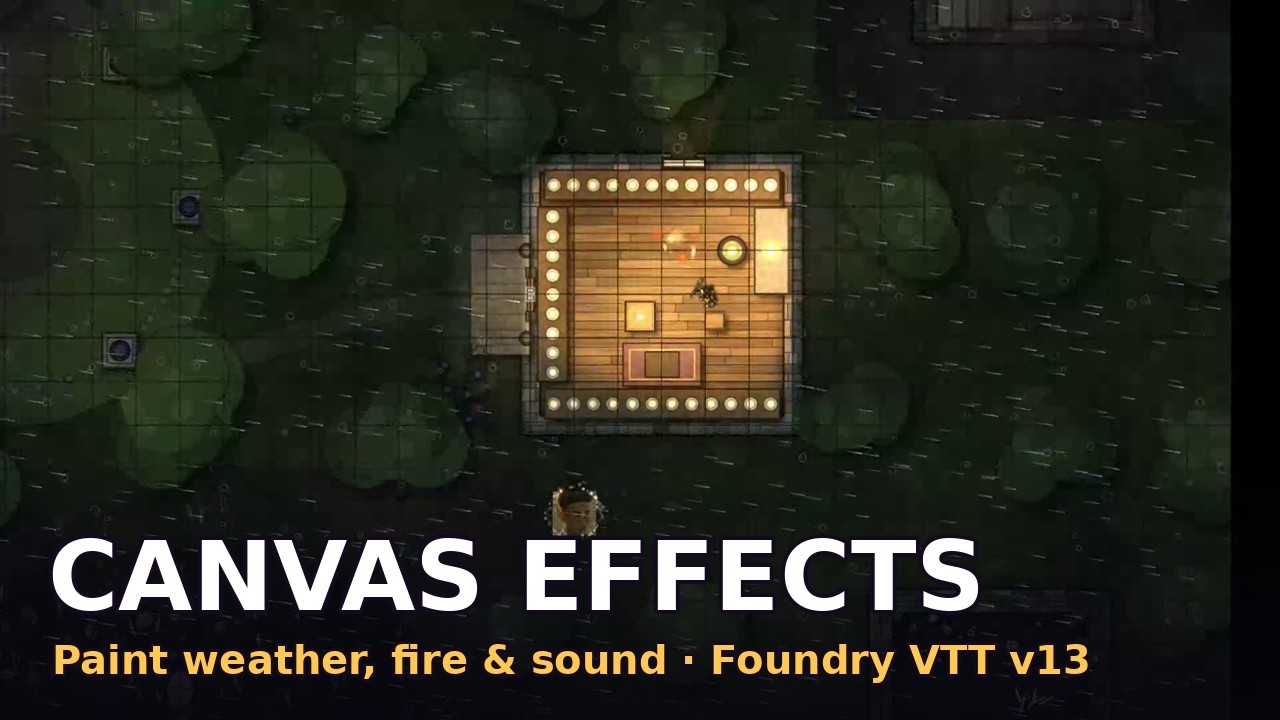
Canvas Effects is a free, open-source Foundry VTT v13 module.
Paint areas and walls on the map and fill them with animated effects, all made for a map seen from above:
| Category | Effects |
|---|---|
| Weather | Rain, Snow, Fog & Smoke, Clouds, Sandstorm, Lightning |
| Ambient | Leaves & Petals, Embers, Stars, Fireflies, Ghosts, Particles |
| Fire & light | Fire, Light & Glow, Candles, Sunlight |
| Animals | Birds, Bats, Rats, Spiders, Fish |
| Filters | Colour Wash, Colour Grade, Bloom, Underwater, Old Film, Glitch |
| Surfaces | Lava Flow, Living Water, Heat Haze, Vortex, Your image |
Every effect has several styles (139 in all). The painted areas are always see-through. They never block sight, light or movement; they only hold the effect. Effects are drawn above the map, tiles and drawings and below the tokens. Tick Above the tokens on a layer to draw that layer over the tokens instead, so rain, snow or clouds fall on everyone's heads.
Foundry VTT: v13 · system agnostic
Features
- Effects: Paint areas and walls on the map and fill them with animated effects, all made for a map seen from above:
- Painting: Open Canvas effects (the magic wand) in the Scene Controls.
- Exclusion Zones: Exclusion zones hide effects: paint rain over the whole map, click New exclusion in the Effect Painter and paint the inside of each building.
- The Canvas Effect Window: The Canvas effect window builds an area's effect in layers, drawn bottom to top, like the windows of the lively tokens and dice trails modules.
- Sounds: Every layer can make a sound, chosen under Sound in the effect window: one of the built-in sounds offered for its effect, a file of your own, or none, with its own volume.
- Saved Effects: Examples in the saved effects list: Fireplace, Firelight, Campfire, Candles, Ritual circle, Heavy rain, Thunderstorm.
Documentation
The full Canvas Effects guide: overview, Installation, Settings, API for module authors, Debug Recorder integration, Troubleshooting.